
Description
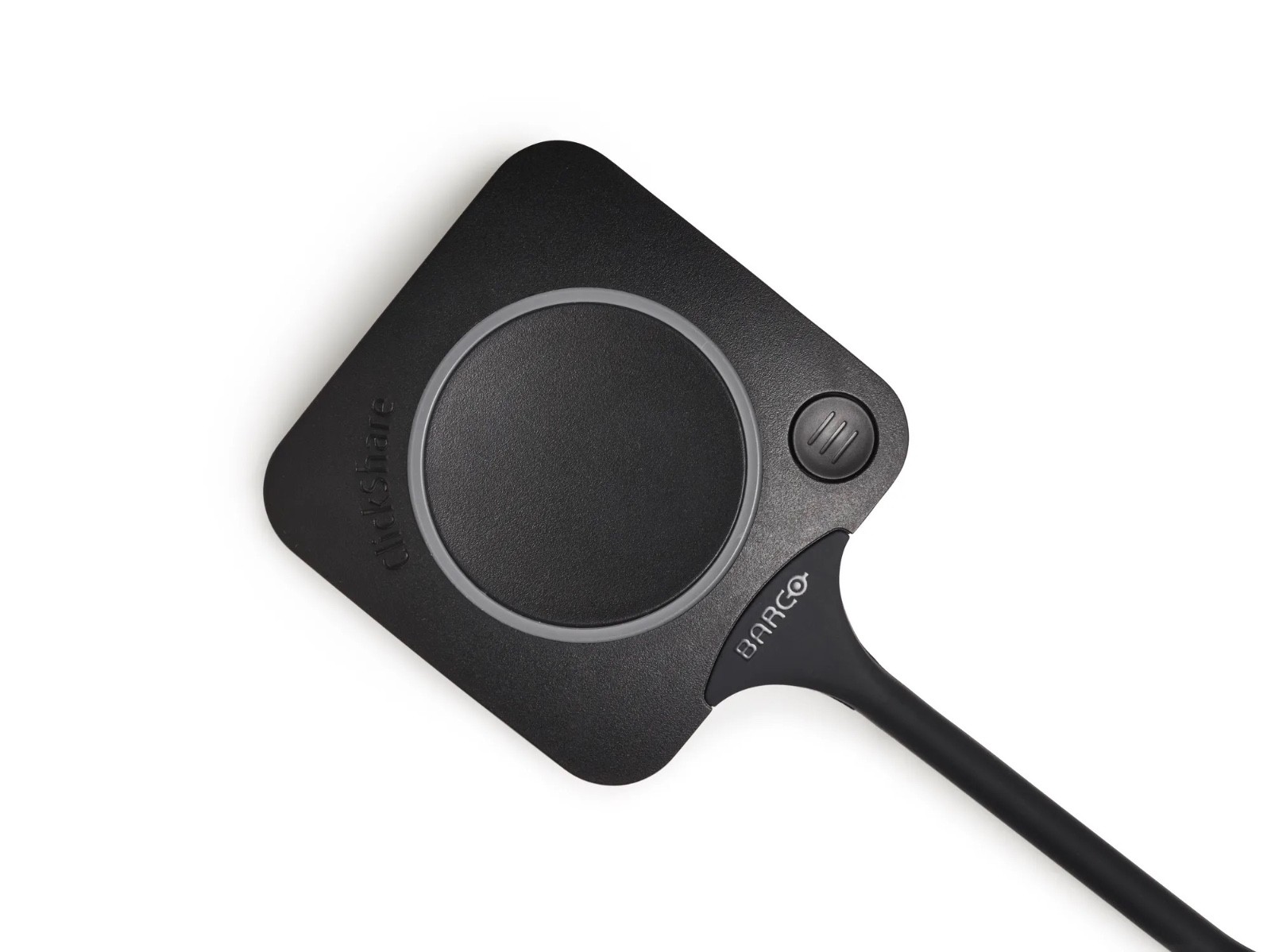
ClickShare ButtonSpecificationsGeneral SpecificationsConnectorsUSB-C typeAuthentication protocolWPA2-PSK in stand alone modeWPA2-PSK or IEEE 802.1X in network integration modeWireless transmission protocolIEEE 802.11 a/b/g/n/acFrequency band2.4 GHZ and 5 GHzDimensions (HxWxD)14.6 mm x 59.3 mm x 161.39 mm / 0.57” x 2.354” x 6.354”Power consumptionPowered over USB5V DC350mA Typical500mA MaximumWeight60 gr – 0.132 lbWith the ClickShare Button you can start your wireless video meeting or share content on the meeting room display. Plug the USB-C device into your laptop and within seconds, you are automatically connected to the meeting room display, camera, microphones, soundbars and any other AV peripheral. No cables, no mess.Plug in and go with the ClickShare ButtonAnyone can use the Button, both employees and guests, both on Windows and Mac. The LED light turns red when you are sharing content with the Button. No installation or training needed.The additional Quick Button gives you instant access to additional controls in the ClickShare App. You benefit from the Smart Meeting Flows, features that guide you through the meeting giving you full control in every step.
Additional information
| Weight | 0.19 lbs |
|---|---|
| Dimensions | 7.00 × 2.70 × 0.50 in |
| Brand | |
| Series | |
| Type | |
| Model | |
| Country of Origin |
Related products
-

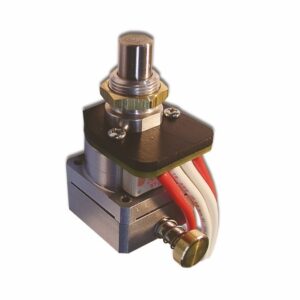
Camden CX-1085M Pneumatic Timer for Push Buttons with Switch Option
$99.50 Buy From eBay
-
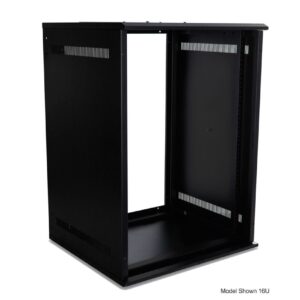
Strong SR-WM-10U Wall Mount Rack, 10U, 20" Depth, Steel, Black
$290.95
Buy From eBay
-
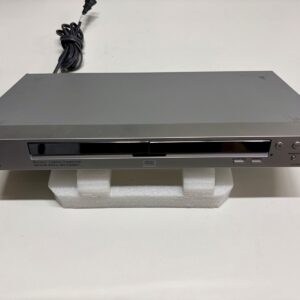
Sony DVP-NS725P DVD Player
$24.99
Buy From eBay
-
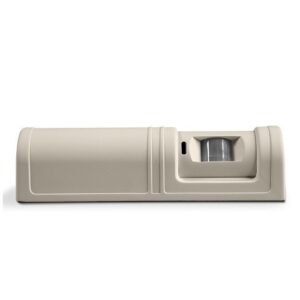
ProdataKey REXHP High Performance Request-to-Exit Pasive Infrared Motion Sensor
$129.99
Buy From eBay